Defeat Ragdolls for Powers Controls & Input Guide
Learn the patterns that matter—exact keybinds still follow in-game prompts.
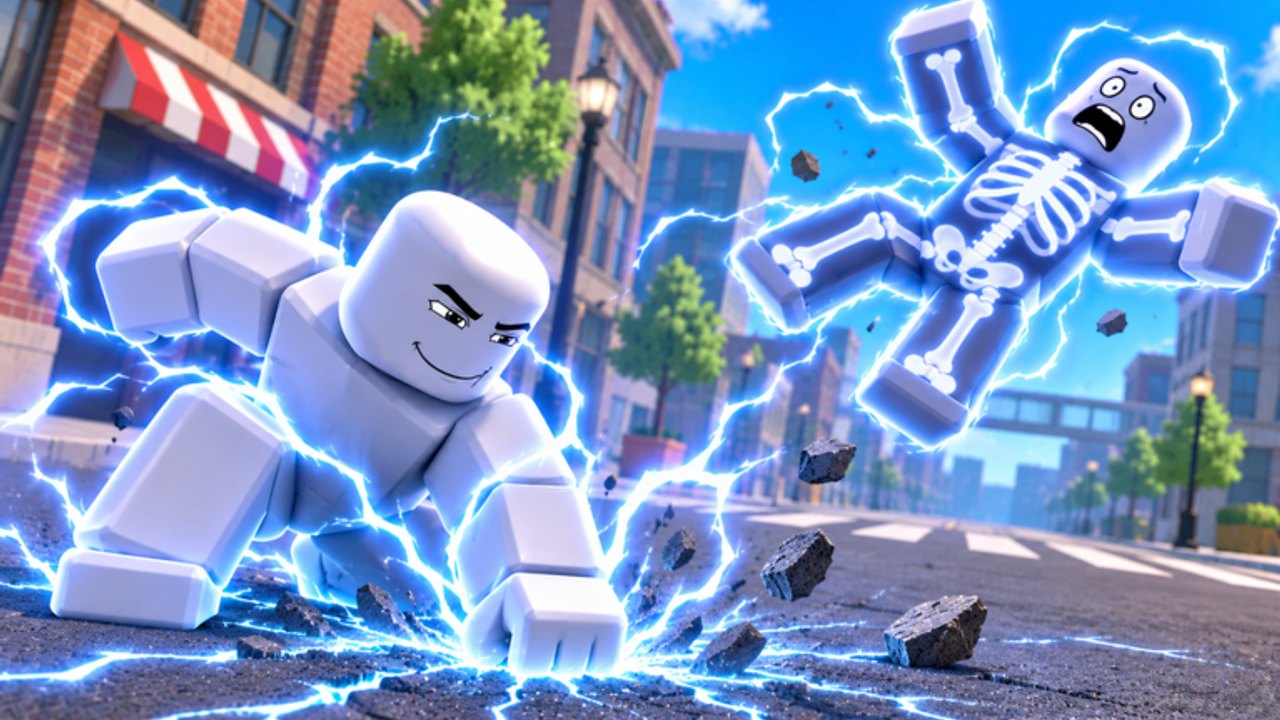
This controls page for Defeat Ragdolls for Powers! focuses on patterns, not a brittle key list. Yukky Toast can tweak prompts, mobile buttons, and power-specific inputs as the November 2026 launch title grows. Always trust the on-screen prompts inside your session if something here disagrees. Use this guide to build good habits for PC and mobile, then layer co-op callouts from the Players Hub.
Core idea: movement first, power second
Ragdoll sandbox combat rewards players who reposition constantly. Standing still while a lightning, gun, or black-hole animation plays is how you whiff entire packs. Whether you are on keyboard or touch, practice this loop:
- Spot a cluster or a trap lane.
- Move into a safe angle (side street, elevated curb, trap funnel).
- Trigger the power when ragdolls are already walking into your zone.
- Strafe out, re-aim, repeat.
That loop matters more than memorizing every bind on day one. Pair it with Getting Started if you are still learning city layout.
PC — typical Roblox patterns
Most PC players will recognize standard Roblox movement. Expect variations, but these are the usual baselines:
| Action | Common PC pattern | Notes |
|---|---|---|
| Move | WASD | Keep strafing during cast animations. |
| Jump | Space | Useful for camera peeks and trap approaches. |
| Camera | Mouse | Drag to track packs; avoid extreme flick spam. |
| Sprint / fast move | Shift (if enabled) | Check in-game; not every place uses sprint. |
| Primary power / tool | Click or numbered hotkeys | Many powers behave like equipped tools. |
| Extra abilities | E / Q / R / F or on-screen keys | Follow prompts per kit—telekinesis and guns differ. |
| Emotes / menu | Roblox menu / backpack | Keep menus closed during zombie waves. |
PC habits that raise your tier-list performance
- Pre-aim Cosmic and Tech kits before you commit. Black-hole and floating-gun fantasies punish lazy camera work.
- Use A/D strafes while Elements sweeps finish so you stay centered on the pack.
- Bind comfort over defaults in Roblox settings if you struggle to hit ability keys mid-fight.
- Watch the prompt toast the first time you equip a new Mythic—do not assume it uses the same key as your old Rare.
When you are ready to optimize kits, cross-check the Powers Tier List so you practice on roles your trio actually needs.
Mobile — thumb-friendly patterns
Mobile lobbies are common, and three-player co-op often mixes platforms. Touch controls generally include:
| Action | Common mobile pattern | Notes |
|---|---|---|
| Move | Left virtual joystick | Keep thumb motions small and steady. |
| Camera | Right-side drag | Re-center often after big spectacles. |
| Jump | On-screen jump button | Jump before casting if ragdolls crowd you. |
| Power activation | Context buttons / tap tool | Buttons can shift by power type. |
| UI panels | Top or side icons | Close shop UI before waves intensify. |
Mobile-specific advice
- Prefer readable Heroes and Elements kits until your thumbs learn Tech aim requirements.
- Increase camera sensitivity gradually; Cosmic vacuums need smooth arcs, not violent flicks.
- Play closer to trap corridors described in City Traps so imperfect aim still converts.
- Use shorter sessions if your hands cramp—claim codes and dailies first so progress is safe even in a quick login.
Power-use patterns by fantasy
Exact inputs change, but the intent of each type stays stable:
- Elements (fire, lightning, ice) — Face the densest pack, cast, strafe along the sidewalk, recast when cooldowns allow. Ice-like kits may want a half-second delay so teammates can cash freezes into traps.
- Heroes — Walk into mid-range, trigger the readable burst, then reposition. Great for teaching friends because animations telegraph clearly.
- Tech (floating guns, gadgets) — Hold angles down avenues. Think chokepoints, not 360° spinning. Excellent for zombie mode doorways.
- Mystic (telekinesis) — Target priority ragdolls, yank into hazards, then let clear kits finish. Call “pulling left alley” so allies do not waste AoE.
- Cosmic (black holes) — Aim at feet of a crowd or at a trap mouth. Early cast into empty plaza is the classic mistake.
- Dark — Commit when packs are grouped; greedy solo dives in public lobbies get you nowhere.
Rarity still matters for ceiling—Common through Mythic—but input discipline decides whether your Legendary feels S-tier or C-tier tonight.
Co-op control etiquette
With a max of three players, messy inputs become team problems:
- Announce big casts (“hole on fountain”) so overlapping ultimates do not erase the same five ragdolls.
- Give mobile teammates wider lanes; precise Tech angles are harder on touch.
- Do not body-block someone lining up telekinesis or gun fire.
- Pause shop menus between waves, not during them.
- Agree on a farm route from Farm Coins before experimenting with meme binds.
If a friend is brand new, stay nearby for one circuit of the city, point at the code redemption flow in How to Redeem, and keep callouts short.
Troubleshooting “my power does nothing”
- You are in a menu, shop, or emote state—close UI and retry.
- You equipped a different tool than you think—check the hotbar/prompt.
- You cast into an empty camera angle—re-center on ragdolls.
- Cooldown is still ticking after a spectacle ability—strafe and wait.
- You joined mid-wave and soft-locked on a tutorial prompt—rejoin if needed.
- You expected keyboard keys on mobile (or the reverse)—re-read the live prompts.
Still stuck? Recheck updates for control changes, skim guides for mode-specific tips, and confirm you are in the Yukky Toast place linked from the official links page—not a lookalike ragdoll experience.
Practice plan (15 minutes)
- Minutes 0–3: Movement only—circle a block without casting.
- Minutes 3–8: Equip one Elements or Heroes kit; practice the move → aim → cast → strafe loop.
- Minutes 8–12: Swap to Tech or Mystic; practice callouts with your duo/trio.
- Minutes 12–15: One Cosmic or Dark attempt into a trap funnel; stop if coins are low and return to farming.
Master the patterns, trust in-game prompts for exact binds, and your tier-list upgrades will finally feel as strong as their icons look.
Frequently Asked Questions
Quick answers for Defeat Ragdolls for Powers players.
What are the exact keybinds for every power?
They can vary by platform and by kit. Use the in-game prompts when you equip a power, and treat this page as pattern guidance for movement, aiming, and co-op habits.
Does mobile use the same powers as PC?
Yes—the power roster is shared. Aim-heavy Tech and Cosmic kits simply demand more camera discipline on touch controls.
Why does my ability sometimes fail to fire?
Common causes include open menus, wrong tool equipped, cooldown, or casting while the camera faces empty space. Close UI, re-aim at ragdolls, and watch for prompt text.
Any co-op control tips for three-player lobbies?
Call big casts, avoid body-blocking aim lines, give mobile players wider lanes, and agree on farm or zombie goals before overlapping ultimates.